Best App Store screenshot tools: which one should you pick?
Start from how you work. If you design one careful set a year, you need something different from a team updating ten apps in five languages.
| Best for… | Our pick | Why |
|---|---|---|
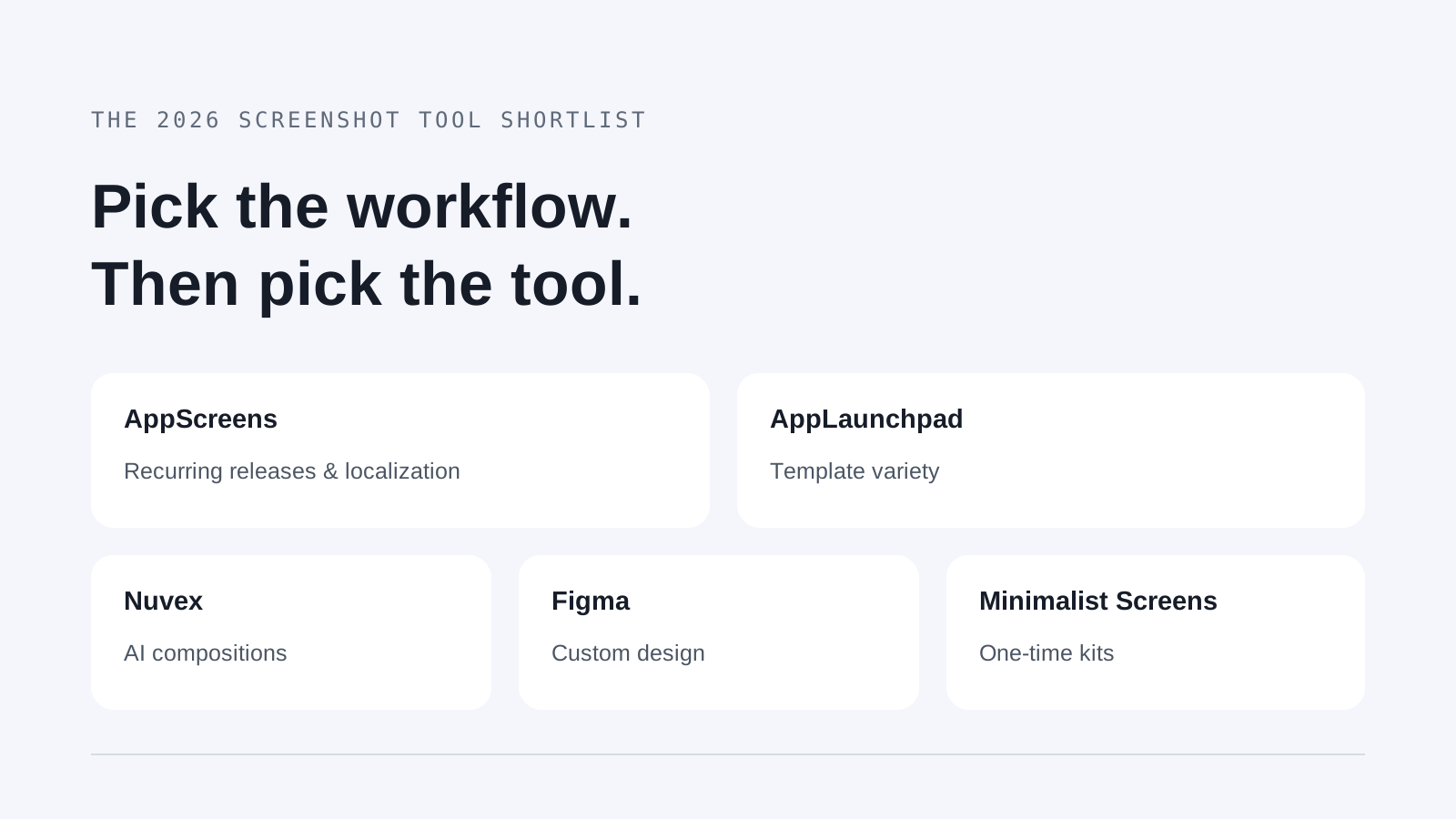
| Shipping updates often, in many languages | AppScreens | Layouts that adapt to every device, paid localization and uploads straight to both stores. |
| Lots of templates and graphics to start from | AppLaunchpad | You pick a template and it scales it for iOS and Android for you. |
| Letting AI design the whole screenshot | Nuvex | You upload your app screens and it generates backgrounds, fonts, headlines and layouts around them. |
| Designing every detail yourself | Figma | A full design tool, with your components, your fonts and total control over the layout. |
| One clean kit without a subscription | Minimalist Screens | Your real app screens, headlines you can edit, device frames, and you pay once for the kit. |
If you want a simple kit, try our App Store screenshot generator. If you need iPad or 6.9-inch iPhone sizes, pick one of the other tools: we don’t export those yet.
How much do App Store screenshot tools cost?
We checked these prices on . Dollars are USD, euros are EUR. A monthly price “billed yearly” means you pay the whole year up front; the yearly totals are just the monthly price times twelve. Taxes and local prices can change what you pay at checkout.
| Tool | Price and billing | Official source |
|---|---|---|
| AppScreens | $99/year for Pro (about $8.25/month); Scale is $180/year. | AppScreens pricing |
| AppLaunchpad | Pro is $10/month billed yearly ($120/year). | AppLaunchpad pricing |
| Nuvex | Credit packs from $5, paid once; Starter is $8/month billed yearly ($96/year). | Nuvex pricing |
| Figma | Starter is free; a Professional Full seat is $16/month billed yearly ($192/year). | Figma pricing |
| Minimalist Screens | €2,99 per kit; Indie €19,99/month or €199,90/year; Pro €49,99/month or €499,90/year. | Minimalist Screens pricing |
If it’s for one release, look at what you pay today. A €2,99 kit or a credit pack can make more sense than a year you won’t use. A subscription pays off when you update often, translate your listing or have several apps. And remember that credits measure usage: a pack doesn’t promise a set number of finished screenshots.
Which screenshot generators are actually free?
Among the dedicated tools, AppScreens has the most useful free plan. Figma Starter is the alternative if you’re fine setting up frames and exports yourself. Watch out: a free preview or a few trial credits don’t always mean a clean download you can publish.
| Tool | What you get for free | When you need to pay |
|---|---|---|
| AppScreens | One saved project, up to five screens and the main iOS and Android sizes. Pro features show a watermark. | No localization or extra export sizes on Free. If you make screenshots for clients, you need Scale. |
| AppLaunchpad | Ten templates, some assets and a limited number of exports. The pricing page doesn’t say how many. | Unlimited exports and the full template library need Pro, which allows up to 100 projects. |
| Nuvex | Six trial credits, previews with a watermark and no HD downloads. | Every generation and edit uses credits. Check that the UI looks right and that you get the device sizes you need. |
| Figma | Starter gives you unlimited drafts and UI kits. Frames, sizes and exports are up to you. | Sizes, translated versions, device frames and uploading to the store are all on you, or on plugins. |
| Minimalist Screens | You design and preview the whole kit for free. Downloading it without the watermark is paid. | App Store export is 1242 × 2688 px only. No 6.9-inch iPhone or iPad sizes, and the AI doesn’t design the whole image. |
Before you design the whole set, export one screenshot at the size you need. Check the size, the watermark, how the text looks and which device it’s for. Our App Store screenshot size guide lists every device slot.
The five tools, and what you give up with each
AppScreens: for frequent releases in many languages
AppScreens Pro adapts your designs to every device, translates them into 80+ languages and uploads them straight to App Store Connect and Google Play. If every release means redoing several sizes for several countries, that’s where it saves you time. The free plan is also enough to get started.
Watch the licence: Pro covers your own apps; for client work you need Scale. Check that your plan covers the apps and projects you have. See the AppScreens plans.
AppLaunchpad: for lots of templates
AppLaunchpad is all about ready-made templates and graphics, scaled for iOS and Android. Pro promises over 1,000 templates, unlimited exports and AI translation. It’s a good fit if you’d rather adapt a finished look than start from a blank canvas.
The free plan is tighter: ten templates and “limited exports”, without saying how many. Check that before you count on it for a full launch. See AppLaunchpad’s current limits.
Nuvex: for letting AI do the design
Nuvex doesn’t give you a template to fill: it generates the design. Backgrounds, colors, fonts, layouts and headlines, plus edits to a single screenshot with a prompt. Useful if you want to explore a look starting from your real app screens.
For free you get six credits, previews with a watermark and no HD downloads. Paid packs start at $5. Every generation and change uses credits, so plan for a few rounds and check the text and the UI. The homepage mentions 1320 × 2868 px iPhone output; check any other device before you buy. See how Nuvex works and its plans.
Figma: for designing every detail
If you already use Figma, with components, fonts and a design system, you can keep your store screenshots right next to your app design and decide everything. Starter is free, and you don’t need a paid seat just to make screenshots.
The catch is the production work. Frame sizes, device mockups, translated versions and exports are on you, or on a set of plugins. When keeping all that up to date takes longer than the design itself, a dedicated tool is worth it. Compare Figma’s plans and seats.
Minimalist Screens: for one simple kit
We built it for our own apps. You upload your real app screens, edit the headlines, pick device frames and backgrounds, and see the whole set before paying. The AI writes the headlines from your screens. One kit is €2,99, and there are subscriptions if you make kits often.
It does less than the others: App Store export is 1242 × 2688 px for now, with no 6.9-inch iPhone or iPad. The AI helps with the words; it doesn’t design the image for you. If you need more devices, translations or uploads to the stores, look at the tools above. See what Minimalist Screens makes.
AppScreens vs AppLaunchpad: which is better?
If your releases revolve around translations and uploading to the stores, we’d pick AppScreens. If the templates and graphics are the main reason you’re buying, AppLaunchpad. Both scale to every device, so try one real set in each before you decide.
At the yearly prices we checked, AppScreens Pro is $99 and AppLaunchpad Pro is $120. The $21 matter less than whether the licence, project limits and exports fit the way you ship.
Both have written their own comparison: AppScreens vs AppLaunchpad, by AppScreens, and AppLaunchpad vs AppScreens, by AppLaunchpad. Read them knowing who wrote them, and take prices and limits from the pricing pages above.
Which tools use AI, and for what?
“AI screenshot generator” can mean very different things: designing the whole image, writing captions, translating or resizing. Pick the part you want help with, then compare the results.
- AppScreens: A few caption suggestions on Free; AI captions and restyling on paid plans.
- AppLaunchpad: AI translation on Pro; the Free plan also mentions AI scaling.
- Nuvex: It generates the full design, and you can change single screenshots with a prompt.
- Minimalist Screens: AI writes the headlines from your screens; you choose the layout and the style.
Start from real screenshots of your app, read every headline the AI writes and check each image before you upload it. The AI can promise things your app doesn’t do, and Apple won’t accept a screenshot just because a tool made it.