

A little clarity for your next launch.
Ideas on app screenshots, thoughtful design, and showing what makes your app worth a closer look.
Latest articles
12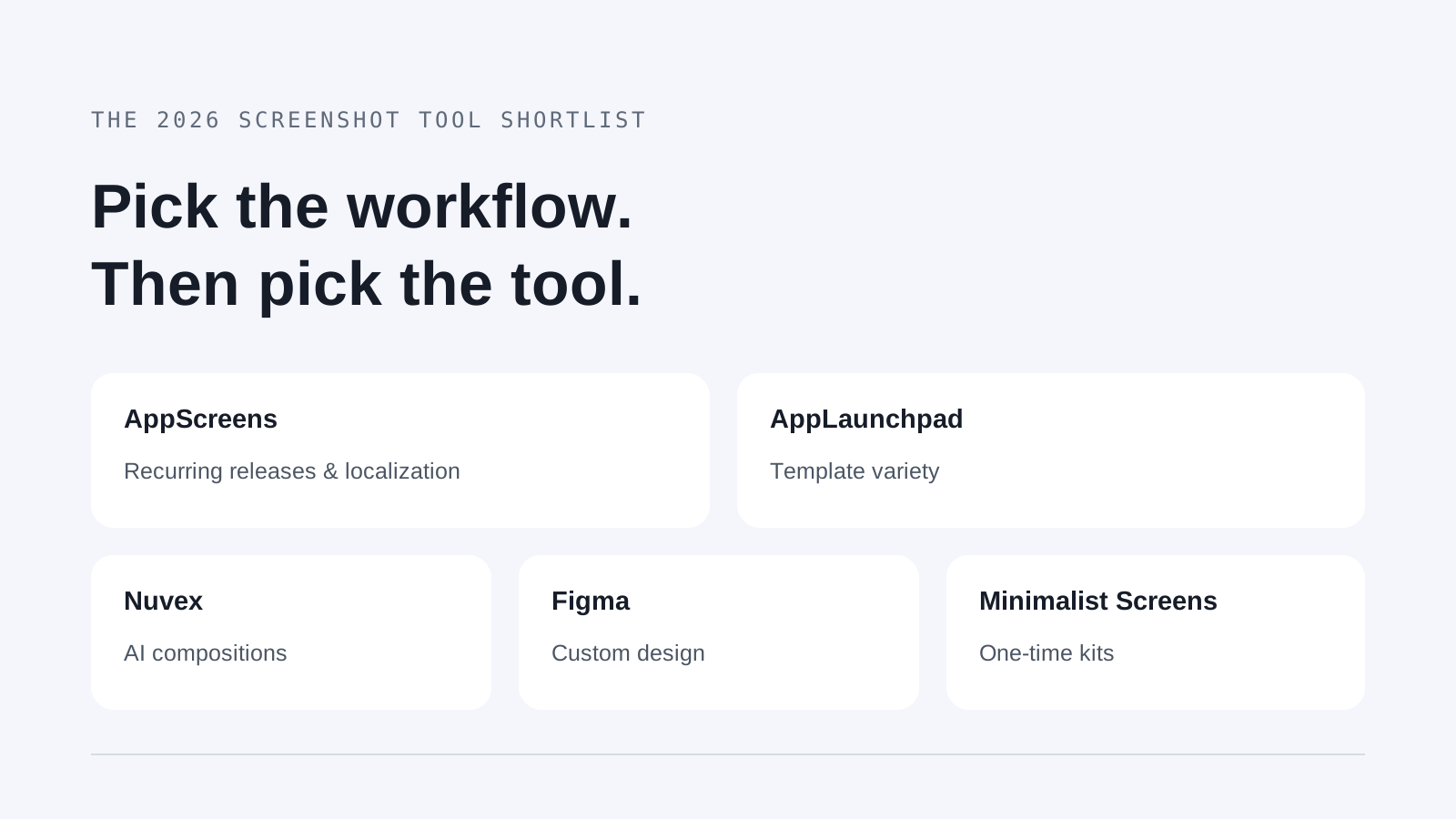
Best App Store Screenshot Generators (2026)
The best App Store screenshot generators in 2026, compared: what each tool is good for, free plans, AI features and prices for five tools.
Read article
When to Update Store Screenshots After an App Redesign
Find which store screenshots became misleading after a redesign, which can stay, and how to brief a focused replacement set.
Read article
Best App Store Screenshot Generator for a Solo Developer
Compare a focused screenshot kit, AppScreens and manual design to choose the right workflow for one app launch or repeated releases.
Read article
How to Prepare Demo Data for App Store Screenshots
Build believable app screens with fictional data, then check every capture for private information and promises your app cannot support.
Read article
App Store Screenshot Text Gets Cut Off: How to Fix It
Find out whether your screenshot is cropped, too small to read, or hiding the app UI, then revise the artwork and check it at listing size.
Read article
How to A/B Test App Store Screenshots
Test one meaningful screenshot change on an existing App Store or Google Play listing, then use the store’s results to decide whether to apply it.
Read article
When Google Play Custom Listings Need New Screenshots
Decide whether a targeted Google Play audience needs different screenshots, build an accurate image brief, and check the images in the intended listing.
Read article
How to Localize App Store Screenshot Captions
Adapt captions for another language with a translation handoff, a rendered-image review, and a final check of each store’s language placement.
Read article
How to Fix Rejected App Store Screenshots
Start with the store’s exact error, then fix either the exported file or what the screenshot claims before checking and resubmitting it.
Read article
App Store Screenshot Text Examples That Show Benefits
Turn feature labels into short screenshot captions that explain a benefit, match the visible app screen, and avoid promises the image cannot support.
Read article
App Store and Google Play Screenshot Requirements
Build a two-store screenshot inventory with the right file formats, counts and dimensions, plus a separate check for other listing assets.
Read article
How to Choose and Order App Store Screenshots
Choose app screens by the benefit they show, put the strongest proof first, and give every screenshot in the sequence a distinct message.
Read articleYou've already built the app.Now ship it.
Don't waste more hours on store screenshots. Create your kit, download it, and get back to building.
Create your kit