
App Store Screenshot Generator for iOS
Turn your raw app screens into a polished screenshot set. Add headlines, device frames, and backgrounds, then preview your design for free.
Your app screens.
Ready for the spotlight.
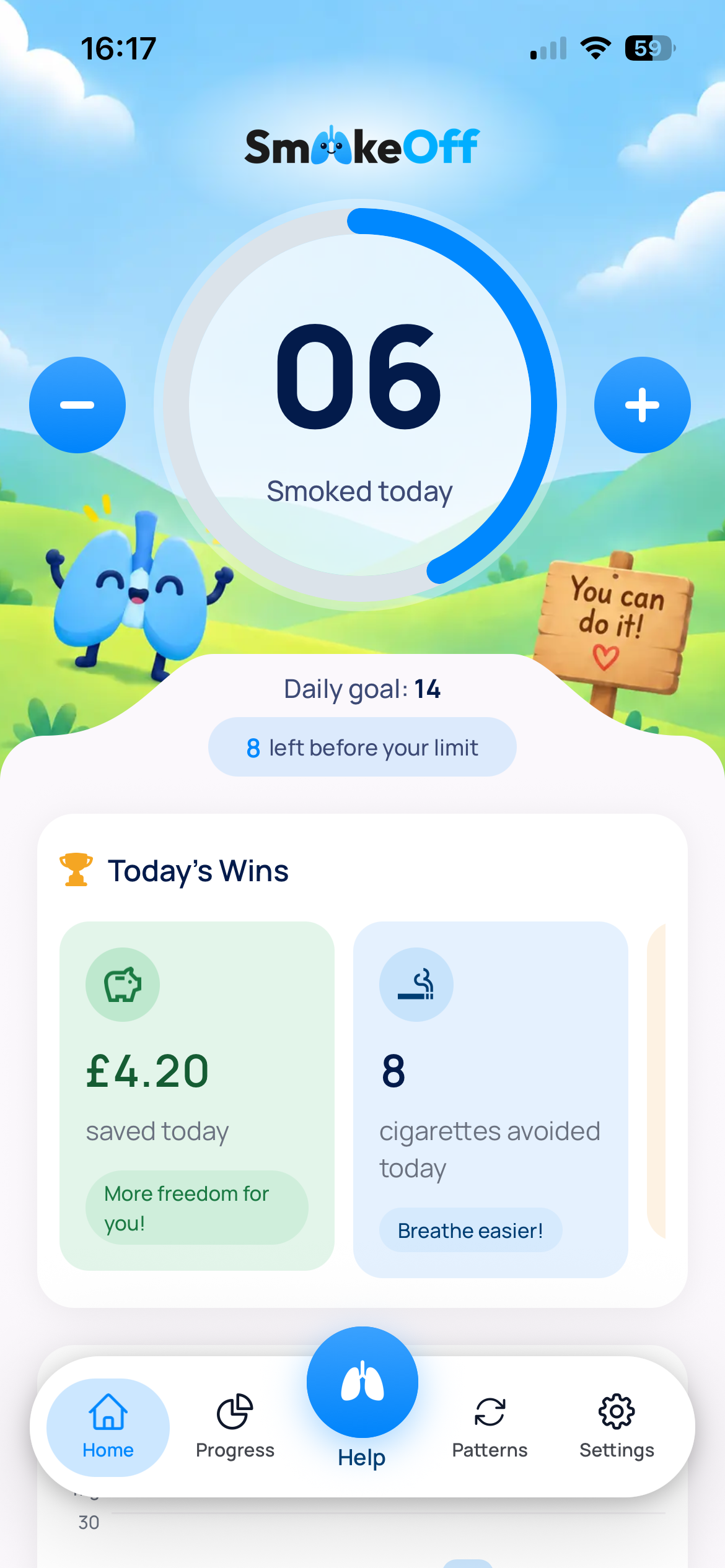
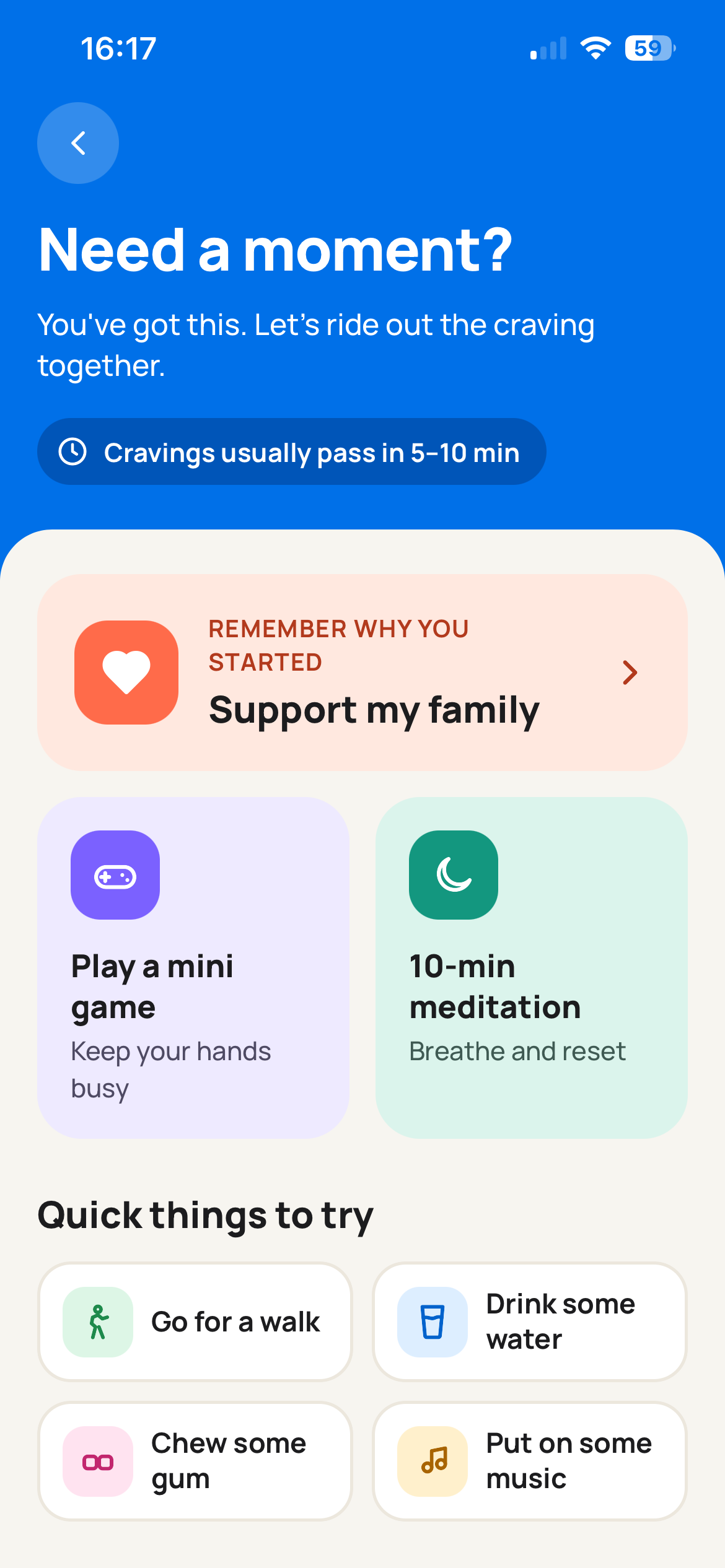
Start with the screens you already have. Give each one a clear headline and a consistent visual style that helps people understand your app.
SmokeOff: daily tracking
.png)
SmokeOff: craving support
.png)
The same interface, with a headline, device frame, and background.
Generate App Store screenshots in four steps
An App Store screenshot builder that brings your screens, headlines, and design together in one workflow.
Upload your app screens
Use real screenshots captured on your iPhone or in the simulator.
Choose your look
Pick a layout and customize backgrounds, fonts, colors, and device frames.
Find the right words
Write your own headlines or use AI to draft them from your app description.
Preview and export
Review the full set for free. Purchase your kit when you’re ready to download.
One app.
Your visual style.
Keep your interface at the center. Adjust the typography, colors, backgrounds, and composition to create a screenshot set that feels like your app.
.png)
.png)
Explore what an iOS app screenshot generator can do with the screens you already have.
Know what
your kit includes
Create App Store and Google Play screenshots from the same project, with separate exports for each store.
Read the App Store screenshot size guide →| Export | Dimensions |
|---|---|
| App Store | 1242 × 2688 px |
| Google Play | 1080 × 1920 px |
Need a 6.9-inch iPhone or iPad set? Those export sizes aren’t included yet. Check the screenshot requirements for the devices your app supports before uploading.
Check your screenshot dimensions →Preview free. Export when you’re ready.
Build and preview your screenshots before you pay. Export a single kit with a one-time purchase, or choose a subscription for ongoing releases.
Compare all plans →Single kit
€2,99one-time payment
App Store and Google Play exports.
No subscription required.
Free creation and preview. Downloads require a purchase.
Frequently asked questions
Everything you need to know before creating your screenshot set.
An App Store screenshot generator turns raw app captures into images for your store listing by adding headlines, backgrounds, and device frames. Minimalist Screens helps you compose a consistent set and export it in the supported dimensions.
Minimalist Screens lets you create and preview your screenshot set for free, without an account. Downloading the finished files requires a paid kit or a subscription that includes exports.
Not currently. Minimalist Screens exports App Store screenshots at 1242 × 2688 px. It does not yet include 1320 × 2868 px iPhone or 2064 × 2752 px iPad exports. Check our screenshot size guide for accepted dimensions and device requirements. Read the screenshot size guide →
Yes. Your kit includes Google Play screenshots at 1080 × 1920 px alongside the App Store export. Use app captures that accurately reflect the version you publish on each platform. Explore the Google Play screenshot generator →
Minimalist Screens uses your real app screens and lets you choose the layout and visual style. AI can help draft headlines from your app description; you can edit them or write your own before exporting.
A dedicated App Store screenshot maker gives you a focused workflow for app screens, headlines, device frames, and supported export sizes. You can build and review the set together instead of setting up each export manually.
Yes. Screenshots that show features your app does not offer or misrepresent its experience can lead to rejection. Use current, real UI and make sure every headline matches what the app actually does. Apple’s Guideline 2.3 requires accurate metadata, including screenshots. Read Apple’s Guideline 2.3 →
Give your appa clear first impression.
Turn the screens you already have into a consistent store listing. Start with a free preview.
Try it free