Where In Review sits in the process
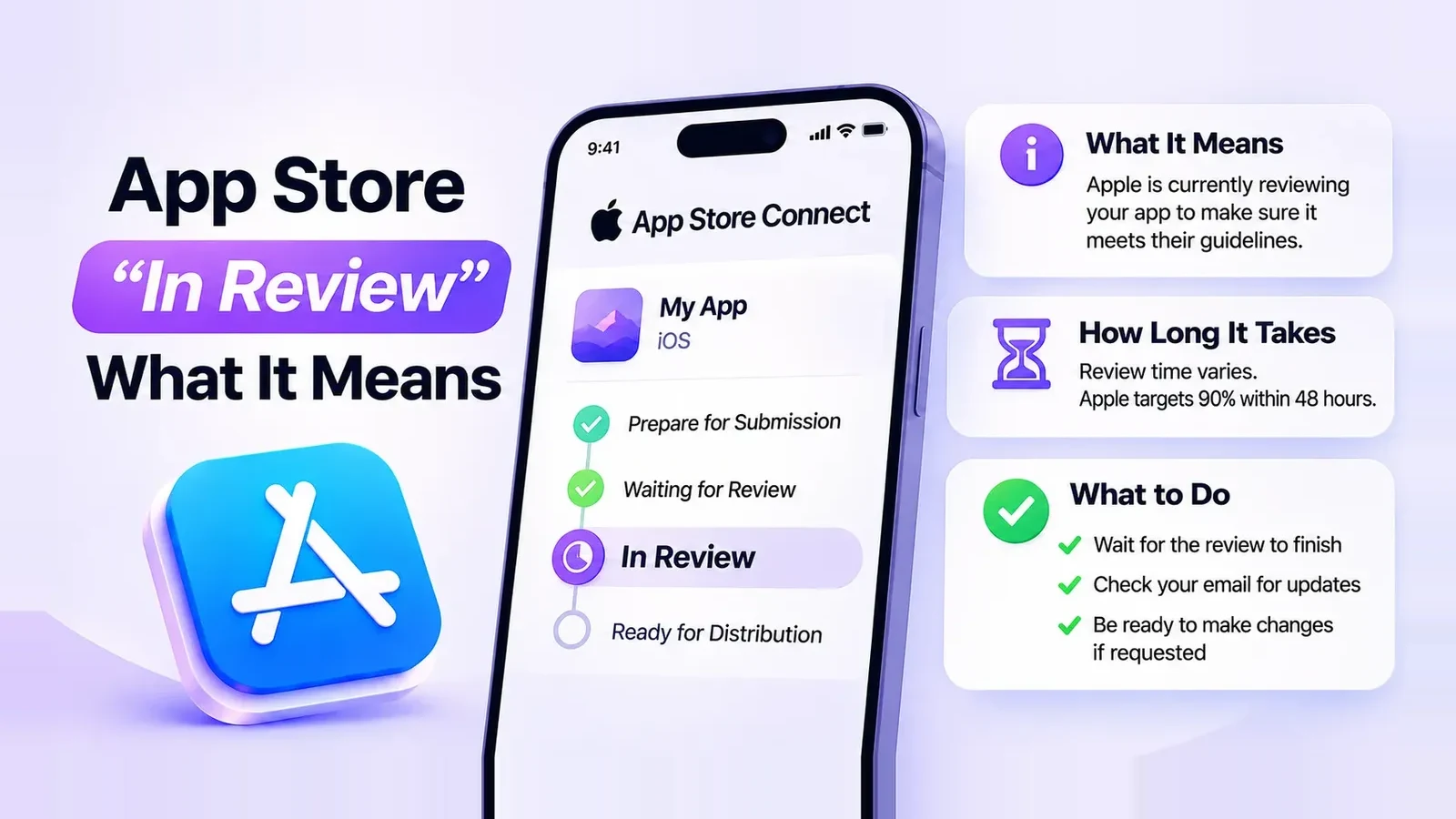
You’ll find the status under Apps → your app → App Review in App Store Connect. A version normally moves through these steps. Apple’s status reference
| Status | What it means | What you do |
|---|---|---|
| Waiting for Review | Your submission is in the queue. | Nothing. Keep the demo account and backend working. |
| In Review | A reviewer is checking it now. | Watch App Store Connect for questions and answer quickly. |
| Rejected | Apple found a problem. | Read the message, fix it, reply or resubmit. |
| Pending Developer Release | Approved, waiting for you. | Click Release This Version. |
| Ready for Distribution | Approved and released. | Allow up to 24 hours before it shows on the store. |
How long does In Review last?
Usually a few hours. Simple updates can pass in minutes; apps with logins, in-app purchases or unusual features take longer. Apple’s target covers the whole wait, queue included: 50% of submissions reviewed within 24 hours, 90% within 48 hours. More on the full timeline in how long App Store review takes. Apple’s review status guide
Stuck in review? What to check
A long In Review almost always means the reviewer can’t finish. Check the three usual causes: the demo account in App Review Information still logs in, your backend is up and reachable from outside your network, and the review notes explain how to reach every paid feature.
If Apple asks a question, answer it in App Store Connect. Don’t remove the build and resubmit: that sends you back to the end of the queue. Contacting App Review
No change after 3-4 days? Contact Apple Developer Support with the app ID, version and build number. If a live app has a critical bug or the release is tied to a date, request an expedited review.
Approved but not on the App Store?
If the status is Pending Developer Release, you chose manual release: click Release This Version. If it says Ready for Distribution, wait up to 24 hours, then check Pricing and Availability for the countries you expect and make sure no agreement is waiting in Business. A new app can take longer to appear in search, so check with the direct product page link. Release options · Availability
Preparing the next update? The App Store screenshot generator turns your build’s screens into store screenshots.