

← Back to guides

Screenshot Mockups for App Store

A screenshot mockup is your app screen inside a phone frame. For the App Store, the frame should help people read the screen, not get in the way, and the whole image has to be exported at a size Apple accepts.

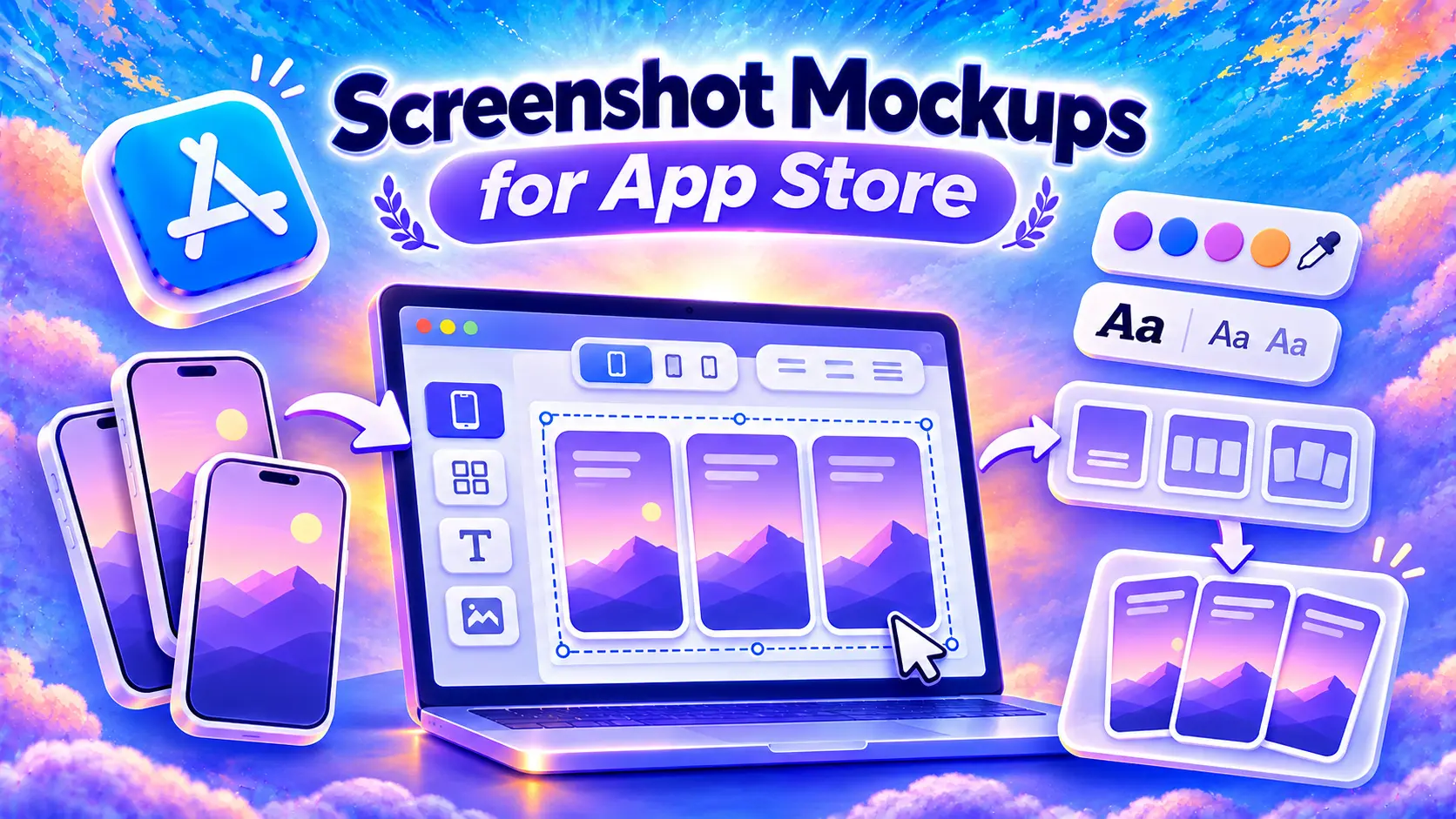
Screenshot mockups for App Store: iPhone captures going into an editor on a laptop, with colors, fonts and layouts, and the finished set of framed screenshots

Flat frame or 3D phone

For editable UI templates and a comparison of browser tools, see our guide to app mockups.

A phone seen from the front keeps menus, charts and small text readable. Tilting it in 3D looks good when the screen has one big thing to look at, like a photo or a single number, but small text gets harder to read.

Shrink the image to the size it has in App Store search. If you can’t read the screen anymore, turn the phone back toward the front.
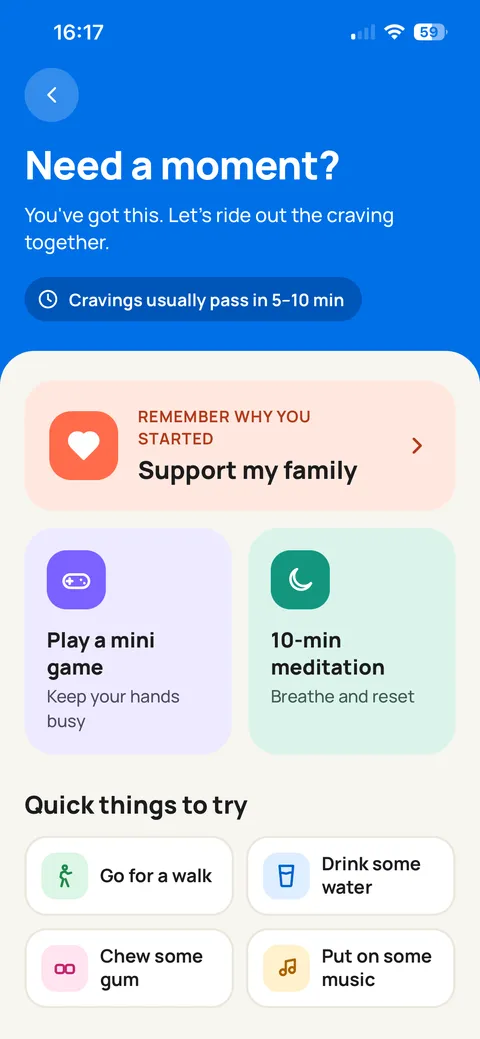
Smoke Off app screen captured in Simulator
The capture from Simulator
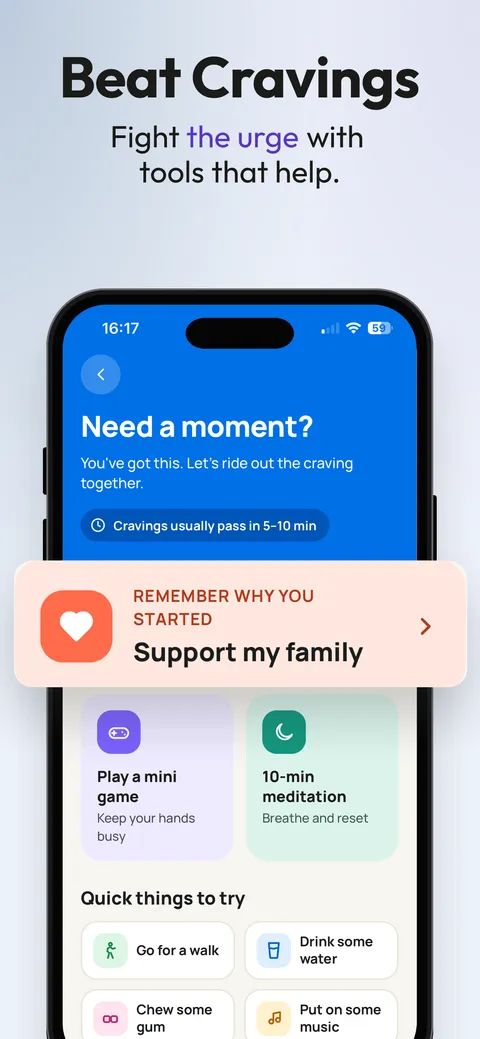
The same Smoke Off screen framed on an iPhone with the headline Beat Cravings
The same screen as a mockup

How to make a screenshot mockup

  1. Take the screenshot. Open the feature on your iPhone or in Simulator, with realistic data in it: a list with three items looks better than an empty one.
  2. Put it in the frame. Don’t stretch it, and check that no button ends up under the rounded corners or the Dynamic Island.
  3. Add a background and a headline. A solid background and, if it helps, a few words on what the screen does. Keep the same frame and margins on every screenshot of the set.
  4. Export the whole image at the right size. What counts is the size of the full image, not of the phone inside it: it has to be one of the accepted App Store sizes. Then upload it to App Store Connect.

What Apple allows

Frames, backgrounds and text are fine. Apple asks that the screenshots show the app in use, so the interface has to stay big enough to see, and it has to be the app people will actually download. The details are in the App Review screenshot guideline.

Got a screenshot?Put it in an iPhone frame.

Try a flat frame or turn a 3D iPhone to the angle you like. The preview is free, with a watermark.

Open the iPhone mockup generator

FAQ

What is a screenshot mockup?

A capture of your app placed inside a device frame, like an iPhone. For the App Store you usually add a background and a short headline that says what the screen does.

Are device frames allowed in App Store screenshots?

Yes. Guideline 2.3.3 allows text and image overlays, as long as the screenshots show the app in use. Use the frame of an Apple device and keep the captions true to what the app does.

Where can I find free screenshot mockups?

Device Shots has free mockups you make in the browser, and Figma has free iPhone frames you can edit. In Minimalist Screens the 2D or 3D preview is free with a watermark; clean PNGs come with a paid kit or a subscription.

Are there screenshot mockups for Figma?

Yes. Duplicate a Community file, swap the placeholder screen for your capture and put the mockup on a frame with an accepted App Store size.

Can I make a 3D screenshot mockup?

Yes. In the Minimalist Screens editor, upload a screenshot, pick a 3D iPhone and turn it to the angle you want (your browser needs WebGL2). The preview is free; the finished image downloads as a flat PNG with a paid kit or a subscription.

What is an app mockup?

In design, a mockup is a picture of an interface drawn before it is built. On the App Store the word usually means something else: a real screenshot of the finished app, shown in a device frame or a designed layout.