

A little clarity for your next launch.
Practical guides on ASO, app keywords and App Store screenshots, with the rules Apple actually applies.
Latest guides
16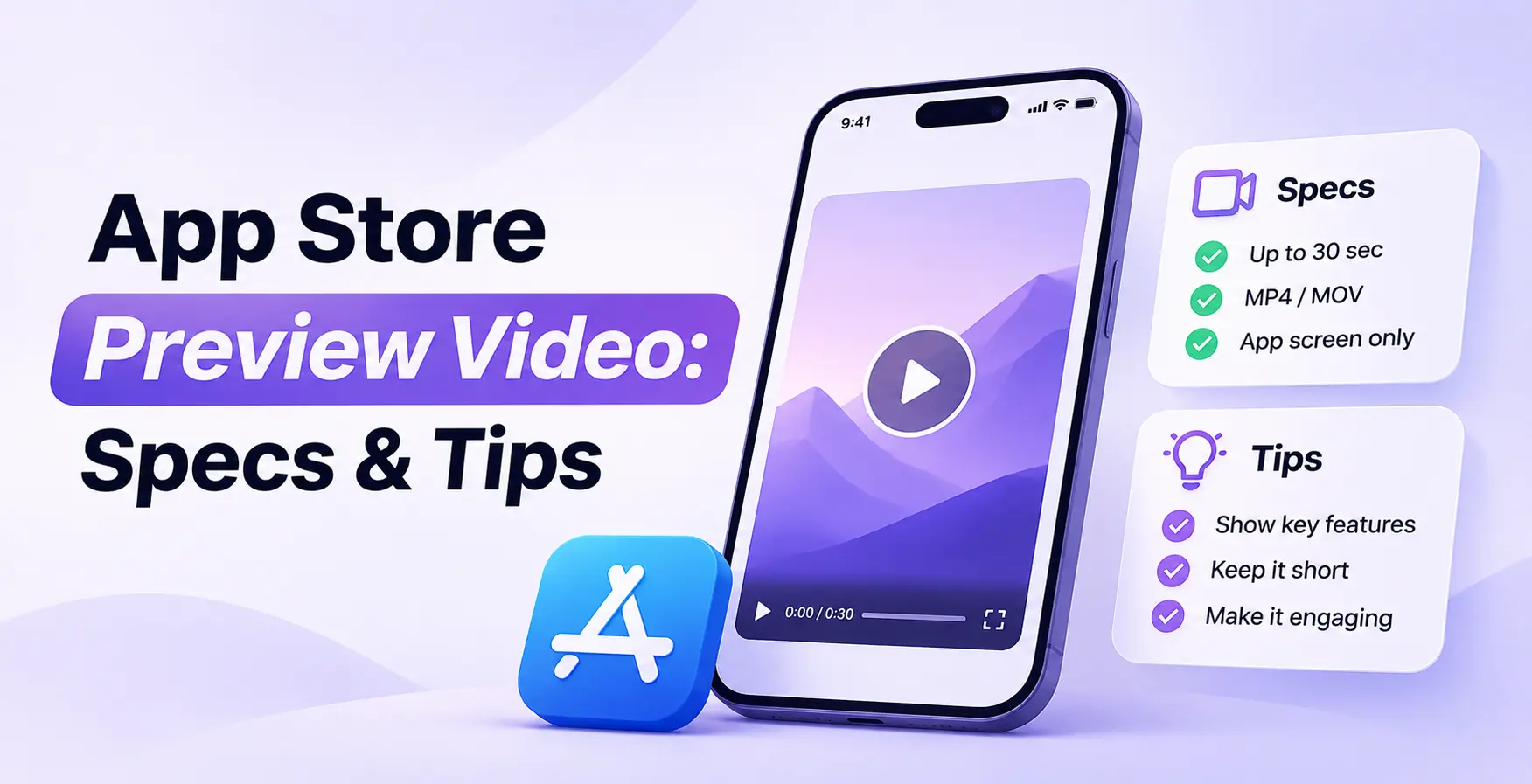
App Store Preview Video: Specs & Tips
Make an App Store preview video that meets Apple’s specs: sizes for iPhone and iPad, how to record and edit it, examples to study, and fixes for upload errors.
Read guide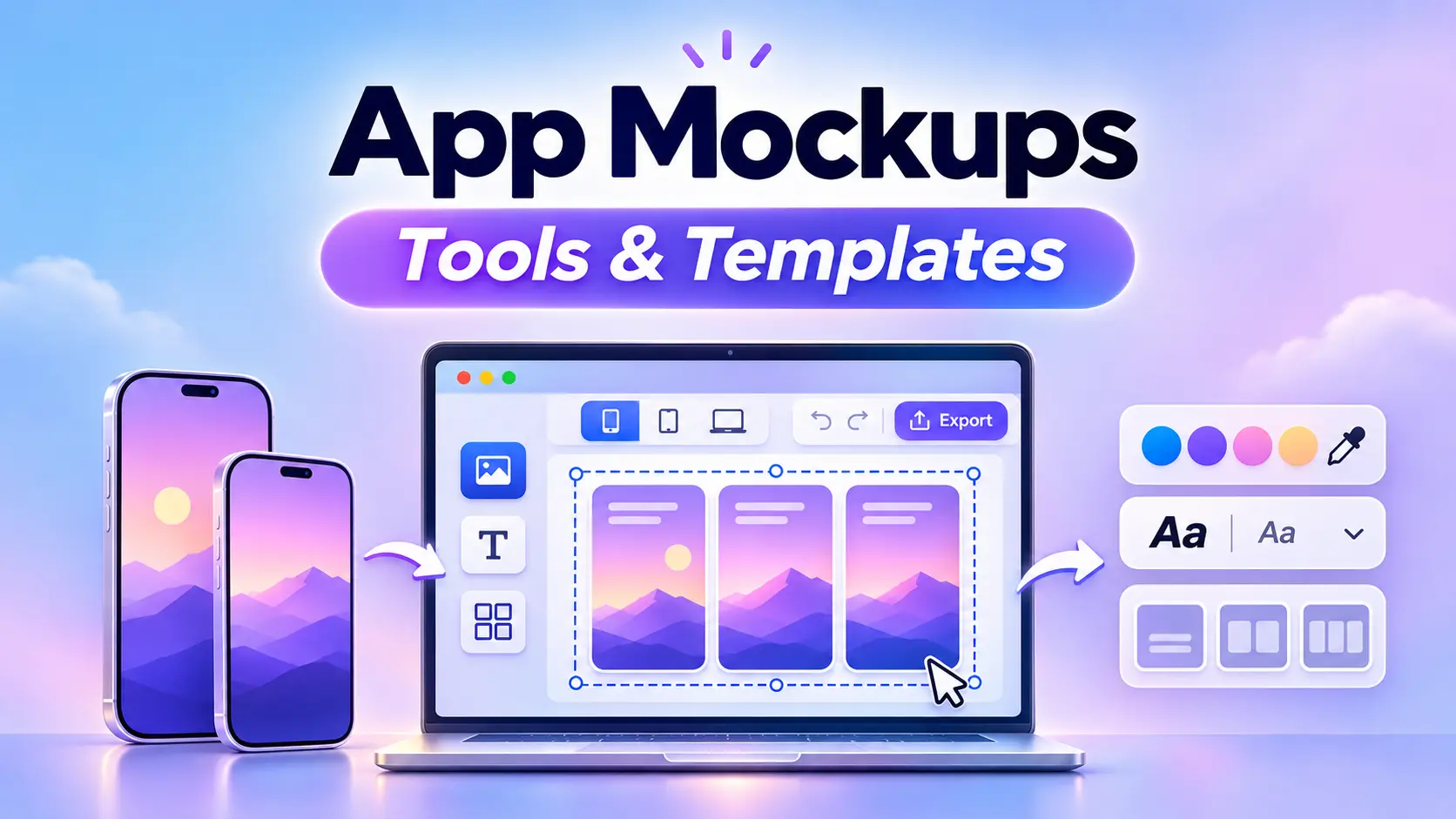
App Mockups: Tools & Templates
Make an app mockup with free tools and templates: browser mockup makers, Canva, Figma files and Photoshop PSDs, plus the steps to put your screen in a phone frame.
Read guide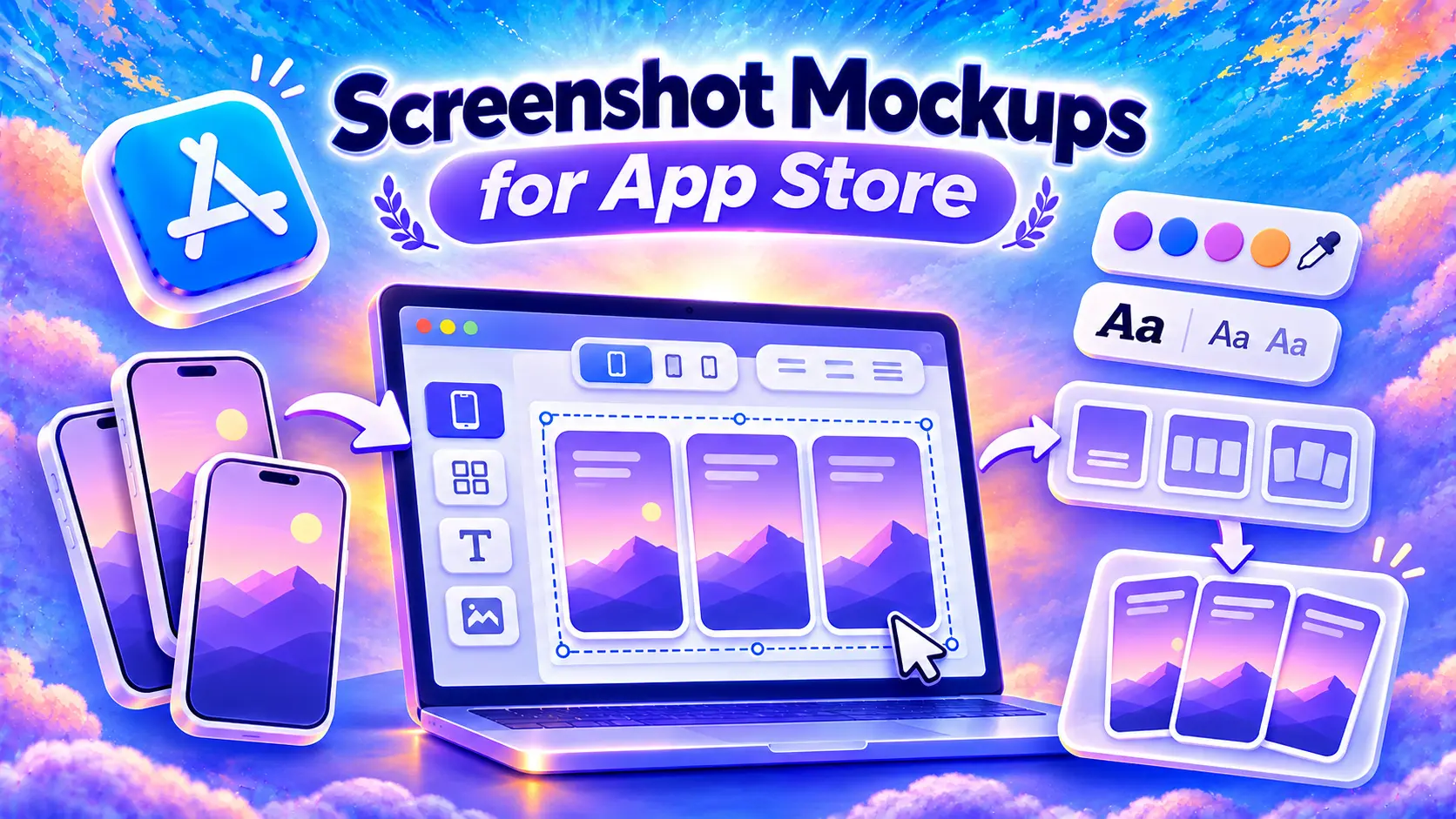
Screenshot Mockups for App Store
How to put your app screens in a flat or 3D iPhone frame for the App Store, where to find free mockups and Figma files, and what Apple allows.
Read guide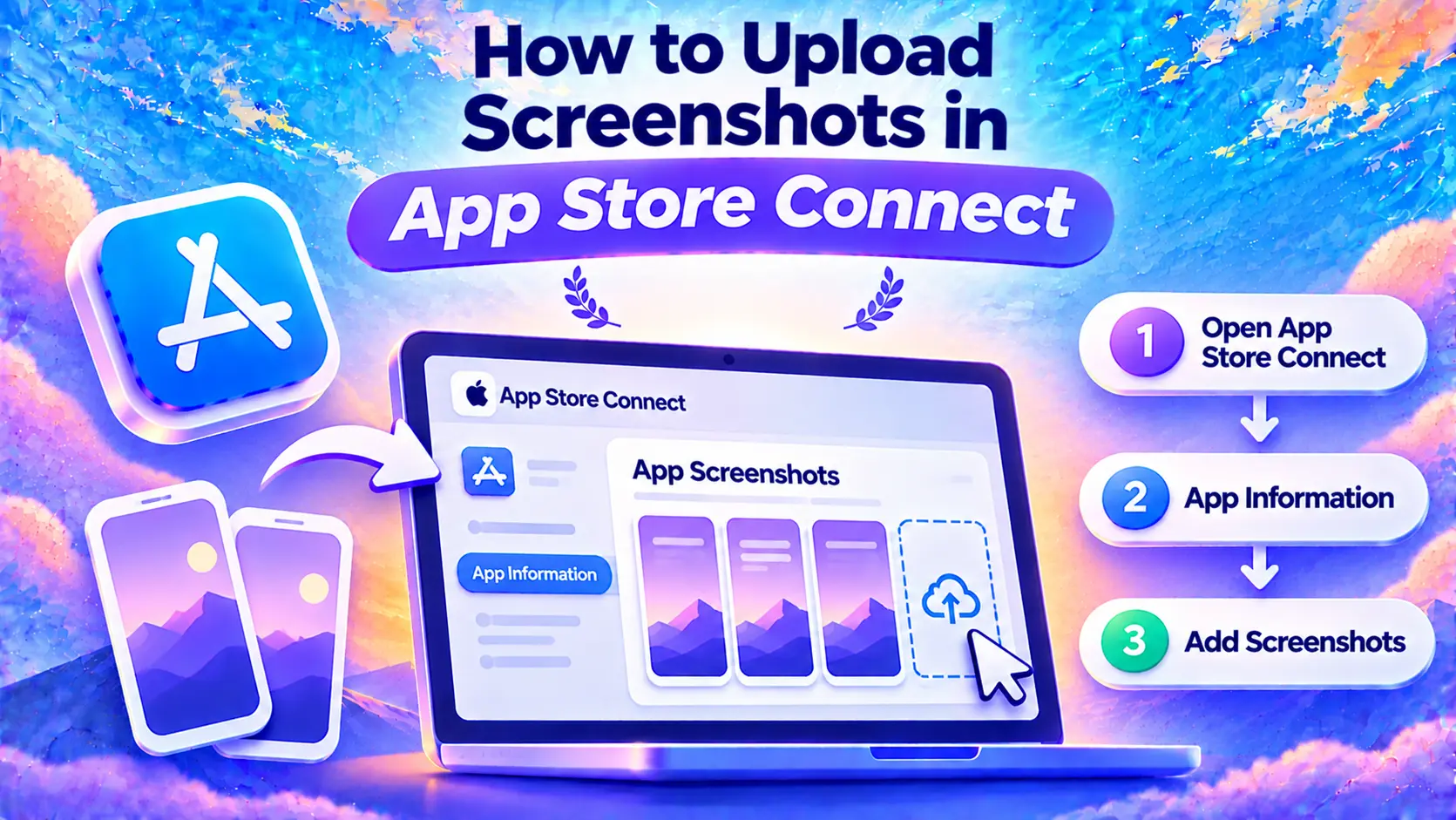
How to Upload Screenshots in App Store Connect
Where to upload your screenshots in App Store Connect, how sizes and languages work, and what to check when a file gets rejected.
Read guide
How to Make App Store Screenshots (Step by Step)
How to make App Store screenshots: take the captures in Xcode Simulator, add a headline to each one, export the sizes Apple asks for and upload them to App Store Connect.
Read guide
ASO Strategy for Indie Apps
Build an ASO strategy for your indie app: keywords, visuals, reviews, testing and seasonal planning. Includes a downloadable app store optimization checklist.
Read guide
App Store Ranking Factors (2026)
Explore App Store ranking factors in 2026: keywords, downloads, ratings, reviews, categories and engagement. Learn what Apple confirms and what to track.
Read guide
How App Store Search Ranking Works
Understand app ranking: Apple’s search factors, keyword positions vs. Top Charts, daily changes and rankings by country. Learn how to check your app.
Read guide
App Store Description & Promotional Text
How to write a clear App Store description: character limits, promotional text, the Terms of Use and privacy links subscriptions need, and examples.
Read guide
How to Find Competitor App Keywords on iOS
Find competitor app keywords on the iOS App Store. Identify your search competitors, compare their rankings, and turn relevant ASO keywords into a shortlist.
Read guide
App Store Keyword Research: Step by Step
Find ASO keywords for your iOS app, compare popularity and competition, and build a shortlist with a worked App Store example.
Read guide
App Store Subtitle: How to Write It
How I write an App Store subtitle in 30 characters: the character limit, how search uses it, real examples and where to edit it in App Store Connect.
Read guide
How to Name Your App (App Store Title Guide)
Choose memorable app names with a practical naming process, App Store title examples, Apple and Google Play character limits, and advice on changing your name.
Read guide
The App Store Keyword Field: 100 Characters Explained
Choose app keywords that fit Apple’s 100-character field. Learn comma rules, single words vs phrases, singulars, and three practical keyword field examples.
Read guide
What Is ASO? App Store Optimization Explained
Learn what ASO is, how app store optimization works on iOS and Google Play, and how to improve keywords, screenshots, and downloads step by step.
Read guide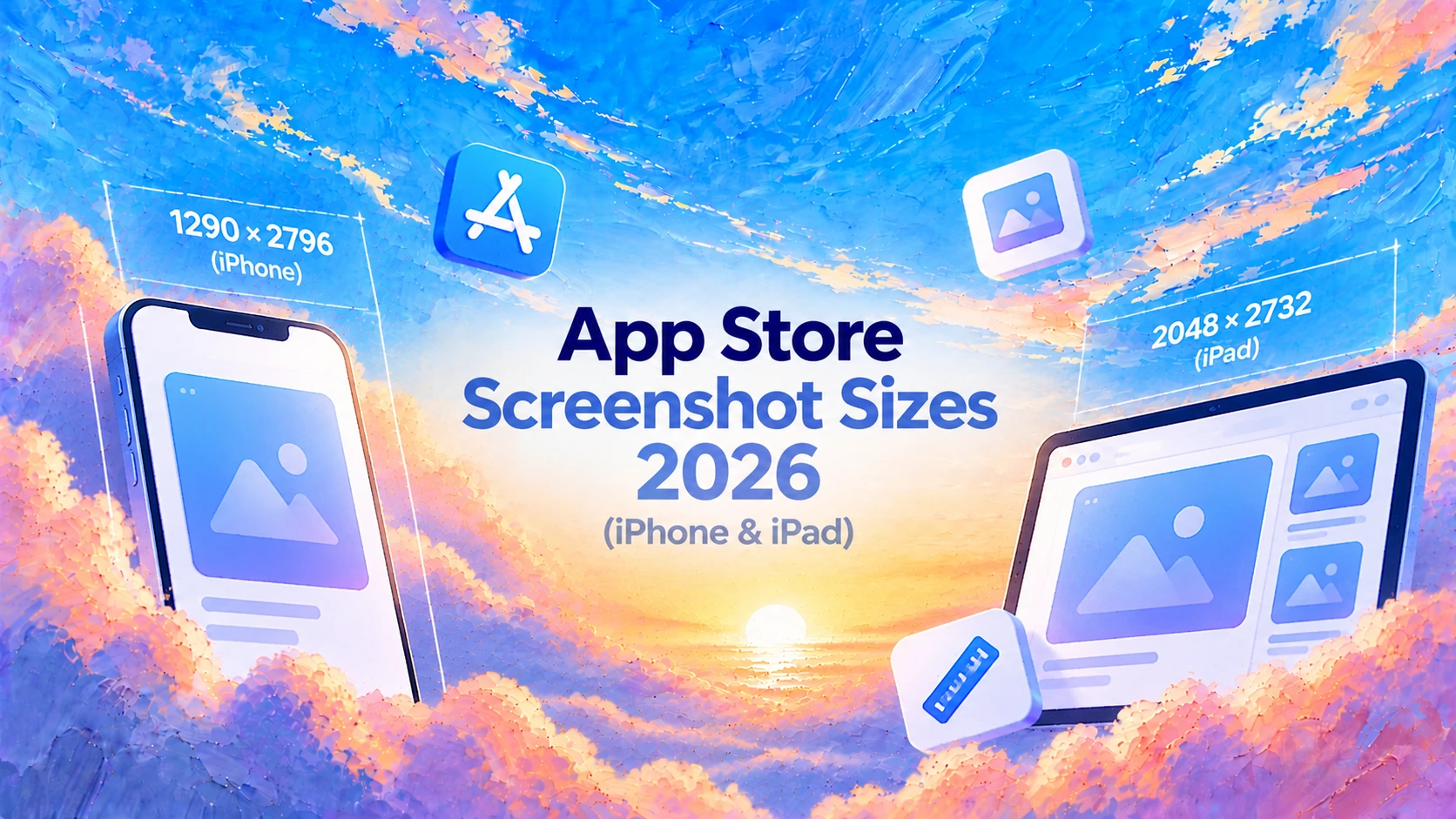
App Store Screenshot Sizes 2026 (iPhone & iPad)
Find App Store screenshot sizes for iPhone and iPad: portrait and landscape dimensions, required sets, file rules, and fixes for upload errors.
Read guideYou've built the app.Now let people find it.
No marketing skills, no posting. A few minutes a day on your store page, and you see what moves. Start free, no card needed.
Start free