

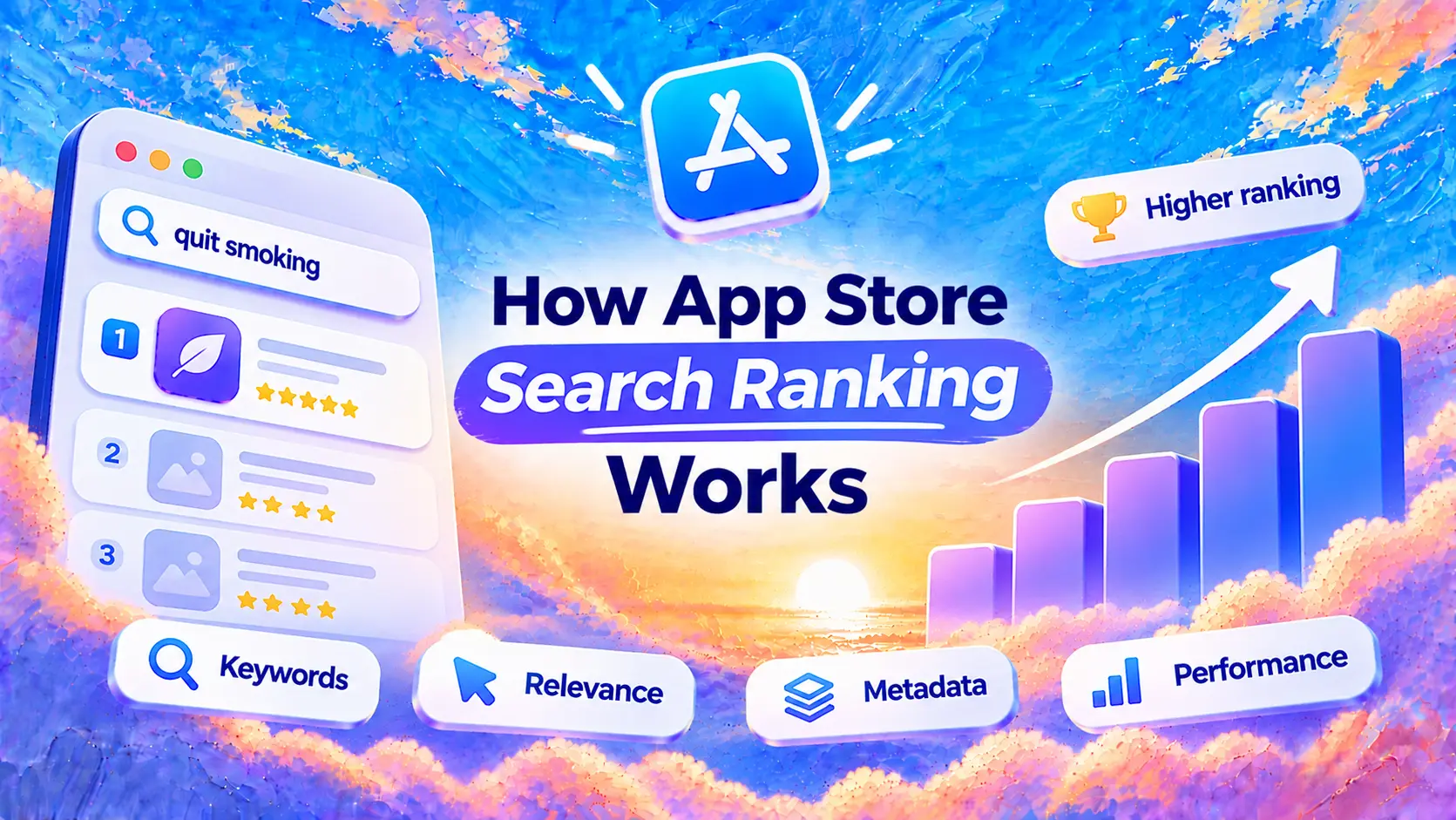
What determines App Store search ranking?
Apple’s search guidance describes two broad groups of signals: how well an app’s text matches a search, and user behavior. The named text fields include the app name, subtitle, keywords and primary category; the optional secondary category is indexed too. On the behavior side Apple mentions downloads, ratings and reviews, and says ratings and reviews can influence how an app ranks.
That gives you a useful starting point: describe the app accurately and deliver an experience people want to use. It does not give you a scorecard with fixed percentages. Apple does not publish exact weights, download thresholds or a guaranteed route to the first position.
Start with a relevant app name, an informative subtitle and additional terms in the keyword field. Choose a category that fits the app. Repeating a phrase everywhere does not establish that your app deserves a higher position.
Some fields are for people, not for search. Apple says promotional text does not affect search ranking, and the description is not on its list of text relevance fields. Write both to help visitors choose; the description and promotional text guide shows how.
For a factor-by-factor checklist, read App Store ranking factors in 2026, including downloads, reviews, categories and engagement.
What Apple says vs. what you observe
A ranking tool records outcomes. It cannot reveal Apple’s internal weights or isolate every cause of a movement. Keep three things separate when reviewing a release:
- Published guidance: Apple names relevance and user behavior as search factors.
- Observation: your recorded position for “interval timer” moved from 24 to 18 after a release.
- Hypothesis: the new subtitle helped. That is something to investigate, because competitors, traffic and other changes may also explain the movement.
The positions above are an illustrative example. The same distinction applies to growth stories on Reddit and elsewhere: one app’s result can suggest an idea to test, not a universal ranking rule.
Keep a release log alongside your App Store rank tracker. Record metadata edits, campaigns and product changes so you have context when you compare dates.
Search ranking vs. Top Charts
Search ranking answers “Where does my app appear for this query?” Top Charts answer a different question: which apps are popular in a storefront and chart, such as Top Free in a category. Charts do not require a keyword search.
| Measure | Search ranking | Top Charts |
|---|---|---|
| Context | A keyword and storefront | A storefront, chart type and category where applicable |
| Example | Position 12 for “workout timer” in the US | Position 40 in a country’s Health & Fitness Top Free chart |
| What it tells you | Visibility for a particular search intent | Relative popularity within that chart |
| What it cannot tell you | Your category chart position or download count | Your position for any particular keyword |
Download performance matters to chart popularity, but avoid treating a chart as a public download counter: Apple does not disclose a complete chart formula. Category choice also affects where people browse, as Apple explains in its category guidance.
Minimalist Screens tracks keyword search positions. It does not currently track category charts. Keep those two reports separate if you use another source for chart data.
How to check your app ranking
- Choose a real search. Use a phrase someone would enter to find your app’s main function. The keyword research guide helps you build a shortlist.
- Set the country. Record the App Store storefront, not just your physical location or phone language.
- Check the result. Search on an iPhone using that storefront, or use the free App Store rank checker. Count organic app results separately from Apple Ads and other cards: Apple says results can also show developer cards, in-app purchases, in-app events, editorial content and categories.
- Save the context. Note the keyword, country, date and data source. Use the same method for later comparisons.
The free checker reports a snapshot within the first 100 iTunes search results. Apple’s iTunes Search API and the live App Store interface can return different ordering. A position from one source should not be treated as an exact reproduction of another.
For saved history, the App Store rank tracker checks tracked keywords with top-100 positions daily. Keywords outside the top 100 are checked every three days. “Outside the top 100” is a range limit, not proof that an app is absent from every result.
Why does app ranking change every day?
Rankings are relative. Even if you leave your app untouched, the apps around it can change. Metadata releases, audience behavior and changes to search itself are possible explanations. Timing and differences between measurement sources can also make two checks look inconsistent.
A small movement for one keyword can be ordinary variation. There is no universal daily drop that means something is broken.
- One keyword slips briefly: recheck with the same country and source, then compare its recent history.
- Several relevant keywords decline over repeated checks: review metadata, availability and the timing of recent releases or campaigns.
- Positions fall alongside search impressions or downloads: investigate sooner, and check whether the change affects one market or several.
- A tool reports no result: check whether the app moved beyond its tracked range or whether the data is unavailable before calling it a ranking loss.
A useful investigation combines keyword history with App Analytics in App Store Connect. Filter by source type to see downloads from App Store search; Apple notes that Apple Ads performance shows up there too, so a campaign can lift search downloads without any gain in organic positions.
App Store rankings differ by country
Treat each keyword-country pair as a separate measurement. A US position for “meal planner” does not describe your visibility in Italy, even if the same app is available in both countries. Search demand, competing apps and local language can differ; Top Charts can differ by storefront too.
Country and localization are related, but they are not interchangeable. Apple’s localization documentation explains that a language can serve multiple regions and that a region may support more than one language. For example, keywords in a French localization can be searched in every storefront where the App Store supports French, so one country does not always mean one isolated set of keywords.
Research the phrases people use in each target market, then track those terms in the corresponding storefront. Keep country reports separate rather than averaging positions for unrelated searches into one global app rank.
Turn your ranking history into a useful decision
Start with a small set of relevant keywords and record a baseline before changing metadata. Save the old text, the release date and the storefronts affected. Review several observations rather than judging the release from the next reading alone.
For example, if one term improves while related terms stay flat, investigate that query and its competitors before rewriting every field. If several terms decline in one country, begin with that market’s listing and availability.
Use the rank tracker to keep positions over time, and App Store Connect to understand impressions, conversion and downloads. For the wider process, read what ASO is and how to get started.